WhatsApp API for E-commerce: Catalog, Cart and Order Updates
Discovery, browsing, checkout and delivery updates — all without the customer ever leaving WhatsApp. Here's how e-commerce brands are building the whole loop on one channel.
The WhatsApp API turns a chat thread into a full e-commerce channel: customers discover a product, browse a catalog, build a cart, pay through a link, and get shipping updates — without ever leaving the conversation. Done right, the whole loop runs on automation rather than manual hand-offs, and it works best sitting alongside an existing website rather than replacing it.
Why e-commerce brands are building on the WhatsApp API#
Most online stores already have a website, a payment gateway, and probably an email or SMS tool for order updates. What they're usually missing is a channel where the customer feels like they're talking to a person, in real time, without switching apps to browse, ask a question, or check on a delivery. That's the gap WhatsApp commerce fills.
The mechanics are simple to describe and surprisingly powerful in practice: a product catalog lives inside the WhatsApp Business profile, a customer taps through it the same way they'd scroll a shop page, adds items to a cart, and sends that cart as a single structured order message. From there, a payment link closes the sale, and status templates — confirmed, shipped, out for delivery, delivered — keep the customer informed without a single phone call or unanswered email.
None of this requires the customer to install anything or learn a new interface. They're already in WhatsApp, already have the business's number saved (or found it through an ad), and the entire transaction happens inside an app they check dozens of times a day. That's the structural advantage no separate storefront can fully replicate: near-zero friction between "I'm interested" and "I bought it."
Catalog, cart, payment link and order-status messaging are each simple on their own. The value compounds only when they're wired together — a completed cart automatically triggers a payment link, a completed payment automatically triggers a shipping sequence — instead of a person manually copying information between four separate tools.
The full commerce loop, step by step#
Before getting into automation and abandoned-cart recovery, it helps to see the whole customer journey as one continuous path, because every later optimization only matters in the context of this flow.
| Stage | What happens | Where it typically breaks without a plan |
|---|---|---|
| Discovery | Customer finds the business via a click-to-WhatsApp ad, a website chat widget, or a saved contact | No clear "message us" entry point, or the ad lands on a website instead of opening chat |
| Catalog browse | Customer taps the storefront icon, scrolls products, opens individual items for photos/price/description | Thin or outdated product data — blurry photos, missing prices, out-of-stock items still listed |
| Cart | Customer adds items, reviews the cart, and sends it as a structured order message | No one monitoring the inbox promptly, so the cart sits unconfirmed |
| Payment | Business confirms availability/pricing and sends a payment link (UPI/card) in the same chat | Manual, delayed link generation — buying intent cools within minutes |
| Delivery updates | Shipped, out for delivery and delivered messages go out as Utility templates | Updates sent from a disconnected shipping tool that doesn't know the order came from WhatsApp |
Each stage above is a place where a manual process — someone re-typing an order into a spreadsheet, hunting for a customer's phone number to send a payment link, or forgetting to log a delivery update — quietly costs conversions or trust. The rest of this guide walks through building each stage so none of that manual work is required.
Stage 1: Discovery — getting the conversation started#
A WhatsApp commerce loop can't begin until a customer actually opens a chat, so the entry point matters as much as anything downstream of it.
Click-to-WhatsApp ads are the highest-intent entry point for new customers: a Meta ad (Facebook or Instagram) with a "Send message" button opens WhatsApp directly, often pre-filled with a starter message, dropping the customer straight into a conversation with zero extra steps. Because SabNode's Ad Manager sits on the same platform as WaChat, a click-to-WhatsApp campaign and the catalog it points customers toward share the same backend — a lead from an ad and a cart order from that same person show up on one customer timeline instead of two disconnected systems.
Website widgets capture visitors who are already on the storefront but want a faster answer than scrolling a FAQ page — a floating WhatsApp button that opens chat with context (often the page or product they were viewing) pre-attached.
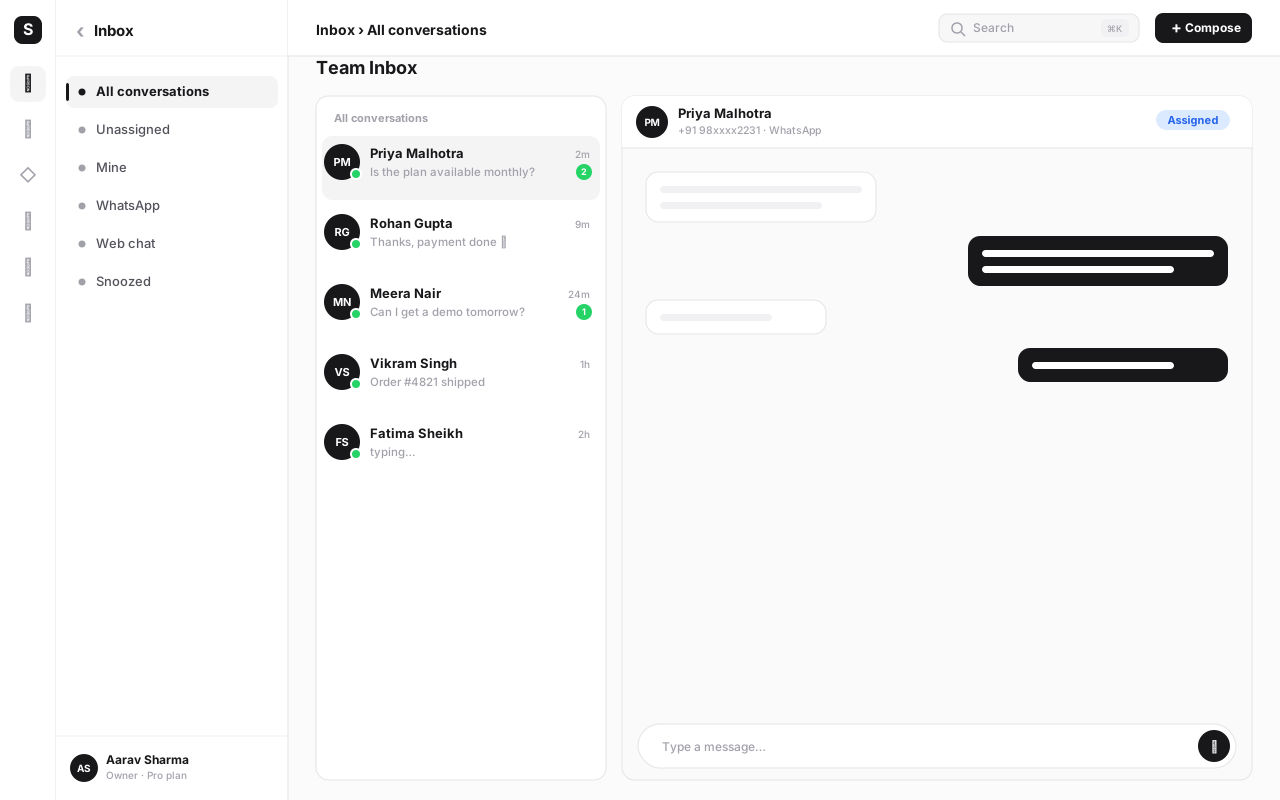
Saved contacts and repeat customers are the largest source of ongoing volume once a business has been running for a while — people who've ordered before simply message the same number again, browse the catalog fresh, or ask "do you have this in another size?" This is also where a shared inbox with CRM history pays off: an agent replying to a returning customer can see their order history without asking them to repeat it.
The single biggest discovery failure is a WhatsApp number that exists but isn't visible anywhere a customer would look for it — no ad linking to it, no website widget, no mention on packaging or receipts. If the catalog and automation are solid but almost no one starts a chat, the fix is almost always visibility, not the commerce mechanics.
Stage 2: Catalog browse — the storefront inside the chat#
Once a conversation opens, the catalog does the job a product page normally would. Each entry carries a name, price, image, short description and stock status — the same information any e-commerce listing shows, just rendered inside the chat window instead of a browser tab.
For a deeper walkthrough of building and syncing a catalog specifically, see the WhatsApp catalog and commerce guide — but the summary that matters for the e-commerce loop is this: a customer should be able to go from "what do you sell" to "here's my cart" without leaving the thread, and without the product data going stale relative to what's actually in stock.
Stage 3: Cart to order — turning browsing into a commitment#
When a customer taps Review order and sends their cart, it arrives as a structured message: line items, quantities, and a computed subtotal — not free text someone has to read and manually re-key. That structure is what makes everything downstream possible to automate.
Sending a cart means the customer wants to buy, not that stock, pricing and delivery timing have been confirmed. The business (or an automation checking live inventory) still needs to verify availability before treating the order as final — especially for fast-moving stock where a catalog listing might lag actual inventory by a few hours.
Once availability is confirmed, the next message back to the customer should be the payment link — and the faster that happens, the higher the odds the order actually converts to a completed payment rather than going cold while the customer waits.
Stage 4: Payment — closing the sale without leaving chat#
A payment link sent inside the same conversation keeps the transaction in one continuous flow: the customer taps the link, pays via UPI, card or netbanking on a linked checkout page, and the confirmation flows back into the thread. On SabNode, this is SabPay generating a link tied to the order total, sent straight back into the WaChat conversation the cart came from — no separate payments dashboard for the agent to check, and no manual step where someone has to calculate a total by hand.
The most common way a business loses a customer who already sent a cart is a slow, manual payment step — asking them to wait for a callback, find a page buried in an unrelated message, or do a bank transfer instead of tapping a link. Get a ready-to-pay link back to the customer within minutes, ideally through automation, not a queue someone checks a few times a day.
Stage 5: Order-status updates — the highest-value templates in commerce#
Once payment clears, the delivery sequence is where WhatsApp does some of its most reliable work in the entire e-commerce loop. Order confirmed, shipped, out for delivery, and delivered messages sent as Utility-category templates are transactional by nature — tied directly to a purchase the customer already made — so they carry fewer restrictions than promotional templates and get read and acted on at very high rates. Customers actively want these updates; there's no persuasion needed, just accurate, timely information.
| Order stage | Template purpose | Typical trigger |
|---|---|---|
| Order confirmed | Reassure the customer payment and order were received | Payment webhook / gateway confirmation |
| Shipped | Set expectations on delivery timing, often with a tracking link | Fulfillment system marks order as dispatched |
| Out for delivery | Prompt the customer to be available / prepare cash if COD | Courier scan / last-mile status update |
| Delivered | Confirm completion, optionally prompt a review or reorder | Delivery confirmation from courier or driver app |
Because these messages are expected rather than promotional, they're also one of the safer places to start if a business is new to WhatsApp automation — the risk of annoying a customer with an order-status update is close to zero, unlike a marketing broadcast sent at the wrong time.
Abandoned-cart recovery: why WhatsApp works differently than email#
A customer who builds a cart and sends it usually completes the sale within minutes of getting a payment link. The harder case is the customer who starts browsing the catalog, adds items, and then simply goes quiet before sending the cart at all, or sends it and never opens the payment link. This is the same abandoned-cart problem every online store has — but the recovery channel changes the math significantly.
Email cart-recovery sequences compete with a crowded, often-ignored inbox; even good subject lines struggle against spam folders, promotional tabs and simple inattention. A WhatsApp follow-up, by contrast, lands inside a channel the customer is already checking constantly, in a thread that's already open from the browsing session — WhatsApp's read rates are typically far higher than email open rates, which is exactly the gap that makes a well-timed nudge effective here in a way an email rarely is.
A cart-recovery message is not exempt from WhatsApp's messaging rules. It has to go to a customer who has opted in to receive messages, and if the customer's 24-hour service window has closed, the follow-up must use an approved template rather than free text. Building recovery on an unopted list, or trying to slip a promotional nudge through as a "service" message, risks the business number being flagged or restricted — treat consent as the foundation of recovery, not an afterthought.
A workable abandoned-cart flow looks like this: a cart sent but not paid within a set window (say, one to a few hours) triggers a single, polite Utility or Marketing template reminding the customer their cart is waiting, ideally with the payment link included directly in that message so there's no extra step once they re-engage. One well-timed message tends to outperform several — repeated nudges on a channel this immediate read as pressure rather than helpfulness quickly.
Treat cart recovery as a single, useful reminder tied to an action the customer already took — not a multi-message drip sequence borrowed from email marketing. WhatsApp's immediacy makes over-messaging feel intrusive faster than it would in an inbox.
How to build the full WhatsApp commerce loop#
- Set up the WhatsApp Business Platform connection. Get verified on the WhatsApp Business Platform (Cloud API) through a BSP like SabNode WaChat rather than building the Meta integration from scratch — this covers the API connection, number verification and template submission pipeline in one setup.
- Build or sync the product catalog. Add products manually for a small, stable SKU list, or connect an existing product feed for real inventory scale so prices and stock stay accurate everywhere they're shown.
- Turn on click-to-WhatsApp ads and a website widget. Give customers a clear, low-friction entry point into chat rather than relying only on people finding the number organically.
- Confirm cart orders land in a shared inbox tied to CRM. Every structured cart order should be visible to agents alongside the customer's order history, not buried in a generic chat list.
- Automate payment-link generation on confirmed carts. Wire a completed, availability-checked cart to automatically generate and send a payment link rather than waiting for someone to do it manually.
- Approve and wire up Utility templates for order status. Get order-confirmed, shipped, out-for-delivery and delivered templates approved, and connect them to the actual triggers in your fulfillment or shipping system.
- Build one abandoned-cart recovery step. A single opted-in, templated reminder sent a set number of hours after an incomplete cart, with the payment link attached, covers most of the recoverable revenue without over-messaging.
- Review the whole loop against real orders weekly. Check where actual customers drop off — slow catalog replies, delayed payment links, missing shipping updates — and fix the weakest link first rather than adding more features to stages that already work.
Run your whole WhatsApp commerce loop on one platform
Catalog, cart, payment links and order-status automation, connected to the same CRM and inbox — set it up free, no card required.
Automation: where the loop stops needing manual hand-offs#
Every stage described above can be run manually by a person watching an inbox, and for very low order volume, that's fine. The moment order volume grows past what one person can babysit, the loop needs automation connecting each stage to the next — and that's only possible when catalog, chat, payments and CRM aren't four separate tools with four separate logins.
On a unified platform, the trigger chain looks like this: a cart order lands in the shared inbox and is automatically checked against live stock → a payment link generates and sends the moment stock is confirmed → a payment-success webhook marks the order paid and kicks off the shipping-update sequence → each courier status update fires the matching Utility template without anyone re-typing tracking information into WhatsApp by hand. SabFlow is what wires these triggers together on SabNode — a completed cart, a successful payment, or a courier webhook are each an event a workflow can act on immediately, without a developer building custom integration code for each connection.
The templates themselves — confirmation, shipping, delivery — are usually approved quickly and rarely need extra thought. The real automation work is in the connections between systems: cart-to-payment, payment-to-shipping, shipping-to-notification. Prioritize wiring those triggers before spending time perfecting message copy.
WhatsApp commerce alongside your existing website#
A common misconception is that WhatsApp commerce requires abandoning or rebuilding an existing storefront. In practice, it works best as an additional channel layered on top of what already exists, not a replacement for it. A website still serves customers who prefer to browse at their own pace, compare products across tabs, or arrive through organic search; WhatsApp serves the customers who'd rather ask a question and buy inside a conversation, or who clicked a WhatsApp ad specifically because messaging is how they already prefer to interact with businesses.
The practical version of "alongside" means the same product data, the same order history and the same customer record are shared across both channels rather than maintained twice. A customer who bought on the website last month and messages on WhatsApp this month should be recognizable as the same person with one order history — not treated as a stranger because the channel changed. This is exactly the gap a platform like SabNode closes: WaChat's catalog, cart and orders sit on the same CRM record as anything else that customer does across SMS, email, or the website itself.
Many merchants run their entire first WhatsApp commerce loop with a manually built catalog and no code changes to their existing website at all — the two channels coexist from day one without either needing to change. A deeper product-feed sync can come later, once WhatsApp is proven to convert for that audience.
Common mistakes to avoid#
- Treating the catalog as a one-time setup. Stale prices or "in stock" items that are actually sold out erode trust fast — the catalog needs the same ongoing attention as a live product page, not a launch-day task that's forgotten afterward.
- Sending marketing and cart-recovery templates without real opt-in. WhatsApp's rules exist specifically to prevent unsolicited outreach; building recovery flows on a list that never actually consented risks the business number being restricted.
- Letting cart orders sit unconfirmed. A structured order that no one acknowledges for hours undoes the speed advantage WhatsApp is supposed to provide — confirm availability and send a payment link fast, or automate it.
- Delaying the payment link. Buying intent is highest in the minutes right after a cart is sent; a manual, slow payment-link process is the single most common point where an otherwise-won sale is lost.
- Skipping delivery updates because "the courier already sends an SMS." Utility templates for shipping status are some of the best-performing messages a business can send — don't leave that engagement on the table just because another channel technically covers it.
- Trying to replace the website instead of adding to it. Rebuilding an entire storefront inside WhatsApp before validating demand is more work than most businesses need; start with catalog plus automation and expand from there.
- Over-messaging on recovery. One well-timed, useful reminder outperforms a multi-touch drip sequence borrowed from email — WhatsApp's immediacy makes repeated nudges feel intrusive quickly.
Conclusion#
WhatsApp commerce works because it removes almost every point of friction between a customer noticing a product and actually buying it — no app to download, no separate site to navigate, no context switch at any stage from discovery through delivery. The mechanics (catalog, cart, payment link, status templates) are each simple individually; the real payoff comes from connecting them so a completed cart, a successful payment and a courier update each trigger the next step automatically, instead of routing through a person every time.
None of this requires walking away from a website that already works — the strongest version of WhatsApp commerce runs beside an existing storefront, sharing the same product and customer data rather than duplicating it. If you're weighing where to start, the WhatsApp catalog and commerce guide covers the catalog build in more depth, and the payment links guide walks through the checkout side of the loop.
Start with the catalog, wire the payment link to a confirmed cart, and get Utility templates approved for order status — that alone covers most of the value. From there, SabNode's signup is free and takes a few minutes to connect WaChat, SabPay and CRM on one account, so the whole loop runs on one platform instead of several stitched together.
Frequently asked questions
What is the WhatsApp API used for in e-commerce?
The WhatsApp Business Platform (Cloud API) lets an online store run its entire customer-facing sales loop inside chat: showing a product catalog, receiving cart orders as structured messages, sending a payment link, confirming the sale, and pushing order-status updates like shipped, out for delivery and delivered — all as automated or agent-sent messages in the same conversation thread the customer started in.
Can customers actually complete a purchase inside WhatsApp?
Customers can browse a catalog, add items to a cart, and send that cart as a structured order message entirely inside WhatsApp. Payment usually happens through a link sent back in the same chat — UPI, card, or netbanking — rather than a native in-app checkout, so the customer taps once, pays on a linked page, and the confirmation flows straight back into the conversation. The whole journey still feels like one uninterrupted chat to the buyer.
Does WhatsApp e-commerce replace my existing website or Shopify store?
No, and it usually shouldn't try to. WhatsApp commerce works best as an additional high-conversion channel alongside a storefront you already have — for customers who message on their own instead of browsing a site, for click-to-WhatsApp ad traffic, and for the post-purchase updates every order needs regardless of where it was placed. Most brands run both, syncing the same product and order data across the two rather than rebuilding one storefront twice.
Is WhatsApp actually good for abandoned-cart recovery?
Often better than email for this specific job, because a follow-up template lands inside a channel the customer already reads at very high rates, rather than an inbox where marketing mail gets ignored or filtered. The catch is that any WhatsApp message needs prior opt-in and has to use an approved Utility or Marketing template — you cannot free-text a cart reminder to someone outside an open service window, so the recovery flow has to be built on consent from day one.
What are Utility templates and why do they matter for order updates?
Utility templates are a WhatsApp message category meant for transactional, non-promotional content directly tied to a transaction the customer already started — order confirmations, shipping updates, delivery notices, payment receipts. Because they're expected and useful rather than promotional, they carry fewer sending restrictions than Marketing templates and tend to get read and acted on at very high rates, making them one of the safest, highest-value use cases for the WhatsApp API in e-commerce.
How much does it cost to run WhatsApp commerce for a small store?
On SabNode, WaChat's catalog, cart, template messaging and payment-link integration are available from the Growth plan at ₹2,499/mo (or ₹24,990/yr), with a free Starter tier to test the setup before committing. There's no separate fee for the catalog itself; ongoing cost is mainly conversation-based messaging charges from Meta plus whatever plan tier covers the automation and inbox tooling you need.
Do I need developer help to set up WhatsApp catalog and order automation?
Not with a platform built for it. Connecting the WhatsApp Business API directly from Meta typically does need developer time for webhooks, template submission and catalog sync. A unified platform like SabNode WaChat handles the API connection, template approval flow, catalog sync and the automation that ties cart → payment → shipping updates together through a visual builder, so a non-technical store owner can set up and run the loop without writing integration code.