WhatsApp Catalog & Commerce: Sell Directly Inside Chat
WhatsApp isn't just a messaging channel anymore — it's a full storefront inside the conversation. Here's how the catalog and commerce features actually work.
A WhatsApp catalog turns your WhatsApp Business chat into a browsable storefront: customers view products with photos, prices and descriptions, add items to a cart, and send that cart to you as a structured order — all inside the conversation. Pair it with a payment link and the entire journey, from "show me what you have" to "paid," happens in one chat thread with no app switch.
What the WhatsApp catalog actually is#
Most people's mental model of WhatsApp is still "a place where I message people." The catalog feature quietly turns that model on its head. Once a WhatsApp Business account has a catalog attached, anyone messaging that number can tap a small storefront icon and browse a real product list — photos, prices, short descriptions, and whether an item is in stock — without ever leaving the chat window.
Each catalog entry typically carries the basics a shopper needs to decide: a name, a price, a primary image (often a few images), a short description, and optional fields like a SKU or product code and availability (in stock / out of stock). None of this is exotic — it's the same information a product page on any e-commerce site would show. What's different is where it lives: inside the exact app the customer already has open, mid-conversation, with zero context switch.
That last point is the whole story. A link to an external store asks the customer to leave WhatsApp, open a browser, wait for a page to load, and re-find the product they were just being shown. A catalog keeps every one of those steps inside the thread. Fewer steps between "interested" and "bought" is, on its own, the single biggest reason catalog commerce converts better than bouncing people out to a website.
You can also send a single product as a message — useful when replying to "do you have this in blue?" — without the customer ever opening the full catalog. The catalog is the browsable, always-available version; a shared product message is the point-in-time, conversational version. Most real usage mixes both: customers browse the catalog on their own, and agents drop specific product cards into chat when answering questions.
How browsing, cart and order actually flow#
The customer-facing flow is short by design — that's the point. Understanding each step helps you decide what to optimize first.
- A customer opens the storefront icon in your WhatsApp chat (or taps a product link you've sent) and sees your catalog, organized as a scrollable grid of product cards.
- They tap into a product to see the larger image, full description, and price, and can message you directly from that product view if they have a question.
- They tap Add to cart, keep browsing, and add more items — building up a cart the same way they would on any shopping app, without leaving the conversation.
- When ready, they tap Review order and then Send — this sends you a single structured message containing every item, quantity and a computed subtotal.
- You (or your team, or an automation) receive that order, confirm stock and final total, and typically reply with a payment link or the next step to close the sale.
| Step | What the customer sees | What lands on your side |
|---|---|---|
| Browse | Grid of product cards with image, name, price | Nothing yet — passive browsing, no notification |
| View product | Full description, more images, stock status | Nothing yet, unless they message a question |
| Add to cart | Running cart with items and running total | Nothing yet — cart lives on the customer's device |
| Send order | Order summary shown back for confirmation | A structured order message in your inbox |
| Confirm + pay | Payment link or next-step message from you | Order marked confirmed once payment/agreement lands |
Nothing about the cart-building stage pings you — customers can browse and abandon carts freely, exactly like a website, without generating noise on your side. The moment that matters, from an operational standpoint, is the Send step: that's when a real, actionable order lands in front of a human.
Why the order lands as structured data, not a paragraph#
This is the detail that separates a genuine commerce feature from "customers can just describe what they want in chat." Before catalogs, a WhatsApp "order" was whatever the customer typed: "hi I want 2 red kurtas size M and 1 dupatta, how much." Someone on your team then had to parse that sentence, guess at intent, check prices manually, and hope nothing got lost in a busy inbox.
A cart sent through the catalog arrives completely differently — as a structured order object: a list of line items, each with product name, quantity and unit price, plus a computed total. It reads like an order in an e-commerce admin panel, not a chat bubble. That structure is what makes automation possible at all: a system can total it, check it against inventory, generate an invoice, or push it into a CRM pipeline, because it's parsing fields instead of guessing at prose.
Free-text "I want 2 kurtas" cannot reliably trigger a workflow — someone has to read and interpret it every time. A structured cart order can. That's why catalog + cart is the feature that finally makes "WhatsApp as a sales channel" scale past a handful of daily conversations handled manually.
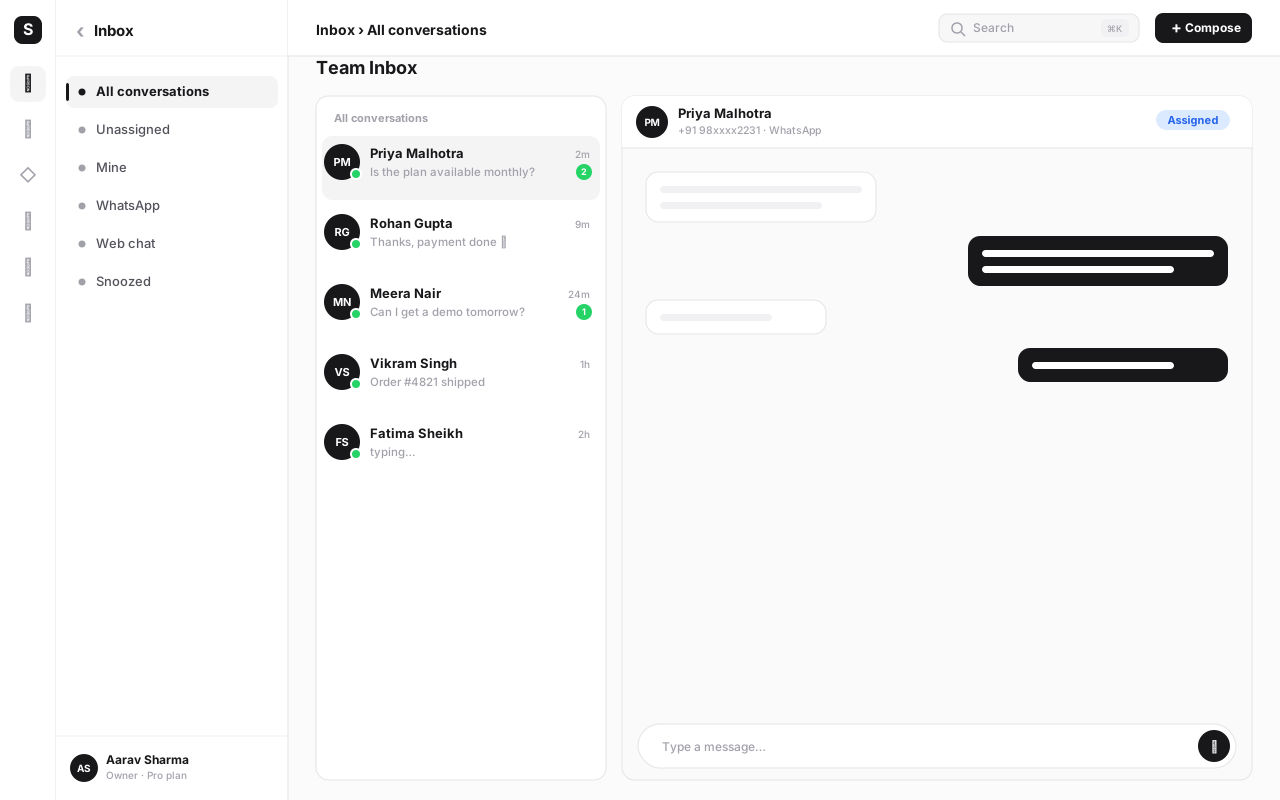
On a platform like SabNode WaChat, that structure gets used immediately: the order doesn't just sit as a message — it lands in the shared team inbox tagged as an order, and (because WaChat and SabCRM run on the same platform) it's logged against that customer's CRM record automatically. An agent opens the conversation and already sees the itemized cart, the customer's order history, and whatever tags or segments apply to them — not a wall of chat to re-read.
Manual catalog vs. feed-synced catalog#
There are two honest ways to build a catalog, and which one fits depends entirely on how many products you sell and how often your inventory changes.
| Approach | Best for | Effort to maintain | Watch out for |
|---|---|---|---|
| Manual entry | A handful to a few dozen SKUs, low change frequency | Low upfront, but every price or stock change is a manual edit | Stale prices/stock if you forget to update after a sale |
| Feed-synced (product feed / inventory sync) | Real inventory — dozens to thousands of SKUs, frequent changes | Higher setup effort once; near-zero ongoing manual work | Feed formatting errors block entire batches of products from syncing |
Manual catalogs are exactly what they sound like: you add each product one at a time — name, price, photo, description — directly in WhatsApp Business tools. This is genuinely fine for a boutique with 15 items or a service business listing five packages. It becomes painful fast once you're managing seasonal stock, frequent price changes, or more than a couple dozen SKUs, because every update is manual and easy to forget.
Feed-synced catalogs connect your WhatsApp catalog to an existing product data source — a structured feed (commonly CSV or an XML/JSON feed format) or a direct integration with your storefront/inventory system — so products, prices and stock status stay consistent everywhere they're shown, not just on WhatsApp. This is the only sane approach once you have real inventory, because it means updating stock in one place (your actual system of record) automatically reflects everywhere, including the WhatsApp catalog.
This is also where a BSP platform earns its keep: a platform like WaChat ties the WhatsApp catalog to the same product and inventory data you already use elsewhere in the business — your CRM's product records, your storefront, or your existing catalog feed — rather than asking you to maintain a third, disconnected copy of your product list just for WhatsApp.
If you're not sure which you need, start manual with your 10–20 best-sellers to validate that catalog commerce actually converts for your audience. Once you're regularly updating stock or adding SKUs weekly, that's your signal to move to a synced feed — trying to feed-sync a five-product catalog is more setup than it's worth.
How to set up a WhatsApp catalog#
Here's the practical path from zero to a working, order-taking catalog.
- Confirm your WhatsApp Business Platform access is active. You need a connected WhatsApp Business (Cloud API) number with your business verified — catalog and commerce features sit on top of that base setup. If you haven't done this yet, start with the WhatsApp Business API guide.
- Decide manual or feed-synced. Count your SKUs and how often they change. Under roughly 20–30 stable items, go manual first; for real inventory or frequent changes, plan for a feed sync from day one.
- Prepare your product data. For each item: a clear product name, an accurate price, at least one clean image (square, well-lit, no clutter), a short description, and current availability. Good photos alone measurably improve tap-through.
- Create the catalog and add products. Add items manually through your WhatsApp Business tools, or connect a product feed / inventory integration if you're syncing. Group products into logical categories if your platform supports it — it helps customers browse instead of scrolling everything at once.
- Attach the catalog to your WhatsApp Business profile. Once connected, the storefront icon appears in your chat for customers to tap into — verify it's visible and browsing works from a real customer-side device.
- Test the full cart-to-order flow yourself. Message your own business number, browse the catalog, add multiple items to a cart, and send the order. Confirm it arrives correctly — right items, right quantities, right total.
- Route incoming orders to a real inbox and owner. Make sure order messages land somewhere a person or automation is actually watching — a shared team inbox beats a single phone that one person checks occasionally.
- Connect a payment link to your order-confirmation reply. Prepare a standard reply template that confirms the order and drops in a payment link (UPI, card, netbanking) so the customer can pay without leaving the chat.
- Set stock-status habits (or automate them). Decide who marks items out-of-stock and when, or make sure your feed sync is actually running on schedule — a catalog selling items you don't have erodes trust fast.
- Review orders weekly and refine the catalog. Check which products get browsed vs. bought, retire what doesn't move, and keep photos and prices current. A catalog is a living storefront, not a one-time setup task.
The businesses that get real revenue from WhatsApp catalogs treat step 3 (product data quality) and step 7 (who owns incoming orders) as seriously as they would for a real online store — because functionally, that's exactly what this is.
Closing the loop: catalog plus a payment link#
A cart order is a commitment to buy, not a completed sale — someone still has to collect payment. This is where pairing the catalog with a payment link turns browsing into revenue without asking the customer to leave the conversation.
The pattern is simple and repeats across almost every catalog-selling business: the customer sends their cart, you (or an automation) confirm the total and availability, and your reply includes a payment link generated for that exact order amount — UPI, card or netbanking, whichever your customer prefers. The customer taps the link, pays on a lightweight checkout page, and the payment confirmation flows back into the same conversation. The customer experiences the entire journey — browse, cart, order, pay — as one continuous chat, even though checkout technically happens on a linked page for a few seconds.
On SabNode, this loop closes natively: a WaChat order can be paired with a SabPay payment link generated for the order total, sent right back in the same chat the cart came from. Because the order, the payment link and the eventual payment confirmation all touch the same CRM contact record, you get one customer timeline — inquiry, browse, cart, order, payment — instead of stitching together a chat log and a separate payments dashboard after the fact.
The single biggest thing that kills conversion after a customer sends a cart is a slow or manual payment-collection process — asking them to call, wait for a bank transfer, or find a payment page buried in an unrelated message. Reply with a ready-to-pay link within minutes of the order landing, ideally through an automated template, or the customer's buying intent cools before you collect.
Who gets the most out of catalog commerce#
Catalog and cart features aren't equally valuable to every business — they shine hardest where the "browse, ask a question, decide, buy" journey naturally happens in conversation anyway.
- D2C and small retail brands selling a focused product range (clothing, jewellery, home goods, beauty) get the clearest win: customers already ask "do you have this in another size/color" over chat, and the catalog turns that same conversation into a real transaction instead of a dead end.
- Small and home-based businesses without the resources to build and maintain a full e-commerce website can run their entire storefront through WhatsApp — catalog, cart, order and payment link — with no separate site to manage.
- Restaurants and food businesses use the same underlying mechanics for menus and orders, though the operational details (live order status, delivery coordination, table-side ordering) go well beyond what a general catalog covers — worth its own dedicated look rather than repeating here.
- Service businesses adapt the catalog to list packages, sessions or slots with a fixed price, using cart-and-order the same way a product business would, even though nothing physical ships.
A single-founder D2C brand with 12 products gets more value from spending an afternoon on great product photos than from building a feed integration. Match the setup effort in the step-by-step section above to your actual catalog size — don't over-engineer a small, stable product list.
Common mistakes to avoid#
- Launching with poor product photos. A catalog lives or dies on its images — blurry, dark or inconsistent photos tank tap-through even when the product itself is good. Invest in clean, well-lit, consistent shots before anything else.
- Letting stock status go stale. Nothing erodes trust faster than a customer ordering something marked "in stock" that you can't actually fulfil. Assign clear ownership of stock updates, or automate it via feed sync.
- Treating the cart order as a chat message instead of a real order. If nobody owns confirming and processing incoming orders promptly, catalog sales quietly leak away as abandoned carts that were never actually followed up on.
- No fast path to payment. Making customers wait hours for a payment link, or asking them to pay through a clunky separate process, kills momentum right when buying intent is highest.
- Copying an entire e-commerce catalog with no curation. Dumping a 2,000-SKU feed into WhatsApp with no categories or highlights overwhelms a chat-sized browsing experience — curate a focused, scannable set where it makes sense.
- Ignoring pre-purchase questions. Customers often message a question mid-browse ("does this come in blue?"). Slow or missing answers here lose sales that a catalog alone can't recover — route these to a real inbox or a chatbot, not a queue nobody checks.
- Running the catalog with no CRM connection. Without a shared inbox and CRM behind it, every order is an isolated event with no history — you lose the ability to see repeat customers, follow up on abandoned carts, or personalize future offers.
A catalog that customers can browse and order from, but that nobody monitors closely, generates orders that sit unconfirmed while customer patience runs out. If you're not ready to staff or automate the reply side, fix that before promoting the catalog widely.
How WaChat brings it together#
The reason to run catalog commerce inside an all-in-one platform rather than WhatsApp's native tools alone is that every stage — product data, cart orders, payment and follow-up — shares one system instead of living in disconnected tools.
| Stage | What WaChat handles | Connected module |
|---|---|---|
| Catalog | Manual entry or feed-synced product data, kept consistent | WaChat catalog |
| Order | Structured cart orders land in the shared inbox, tagged and itemized | Shared team inbox |
| Customer record | Order history attached automatically to the contact | SabCRM |
| Payment | Order-total payment link sent back in the same chat | SabPay |
| Follow-up | Reminders for unpaid orders, re-engagement for abandoned carts | Automation (SabFlow) |
Because the catalog, the inbox, the CRM and payments run on the same underlying platform, a sale isn't a one-off event you have to manually reconcile afterward — it's one continuous, logged customer journey from first browse to paid order. That's what separates catalog commerce that scales from catalog commerce that stays a nice-to-have novelty.
Turn your WhatsApp chat into a real storefront
Set up a WhatsApp catalog, take structured cart orders in a shared inbox, and close the sale with a payment link — all in one platform, on one customer timeline.
Conclusion#
The WhatsApp catalog and cart features quietly did something bigger than adding a shopping list to chat — they turned the conversation itself into the storefront. Customers browse, add to cart and send an order without ever leaving the thread they were already in, and that order arrives as clean, structured data instead of a sentence someone has to interpret. Whether you build the catalog by hand for a dozen products or sync it from a real inventory feed, the mechanics stay the same: less friction between "interested" and "bought" than any separate website can offer.
The businesses that get the most out of this aren't necessarily the ones with the biggest catalogs — they're the ones who treat every stage with the same care a real storefront deserves: sharp product photos, honest stock status, a fast reply to pre-purchase questions, and a payment link ready the moment an order lands. Pair the catalog with your CRM and a payment flow, and a WhatsApp order stops being an isolated chat and becomes one more clean entry in a customer's ongoing history with your business.
If you're weighing WhatsApp commerce against a full storefront build, our deeper look at WhatsApp for e-commerce covers where each approach fits. And if you're starting from scratch on the API itself, the WhatsApp Business API guide is the right place to begin. When you're ready to connect catalog, orders, payments and CRM in one place, sign up free or see plans and pricing to get started.
Frequently asked questions
What is a WhatsApp catalog?
A WhatsApp catalog is a list of your products or services — each with a name, price, image, description and availability — that lives inside your WhatsApp Business profile. Customers browse it directly inside the chat, tap into individual products, add items to a cart, and send that cart to you as a structured order message, all without ever leaving WhatsApp or opening a separate app or website.
Is the WhatsApp catalog free to use?
Yes. Adding a catalog to a WhatsApp Business or WhatsApp Business Platform (Cloud API) account doesn't carry a separate catalog fee — you're not charged extra for listing products or for customers browsing them. Costs only come in on the messaging side, through whatever conversation-based pricing applies to the messages you send, and on the platform side if you're using a BSP like SabNode WaChat for catalog sync, orders-to-CRM and inbox tooling.
Can customers actually pay inside WhatsApp?
WhatsApp itself doesn't process payment for most catalogs outside markets with native in-chat payment rails. What it does very well is carry the cart as a structured order message to your business. From there, most businesses close the loop with a payment link — UPI, card, netbanking — sent back in the same chat, so the customer never has to leave the conversation to pay, even though the payment technically happens on a linked checkout page.
How is catalog commerce different from a normal online store?
A normal store requires the customer to leave the conversation, find your website or app, search for the product again, and check out separately — every one of those steps loses people. Catalog commerce keeps browsing, adding to cart and ordering inside the same chat thread the customer is already in, with a real person or bot they can ask questions to along the way. It trades some checkout polish for dramatically less friction and a much higher chance the conversation ends in a sale.
Do I need a website to sell through the WhatsApp catalog?
No. A catalog can be your entire storefront — plenty of small D2C sellers and home businesses run product listings, orders and payment links purely through WhatsApp with no separate website. That said, if you already run an online store, syncing your existing product feed into the catalog is usually less work than building listings twice, and it keeps stock and pricing consistent everywhere.
What happens to a WhatsApp cart order once the customer sends it?
The customer's cart arrives in your inbox as a structured order message — itemized products, quantities and a total — not as a paragraph of free text. On a platform like SabNode WaChat, that order lands in the shared team inbox and can be logged against the customer's CRM record automatically, so an agent or an automation can confirm stock, send a payment link, and track it through to fulfillment like any other order.
Can I sell more than physical products through a WhatsApp catalog?
Yes. While catalogs were built with physical retail in mind, businesses use the same structure for services, class or session bookings, digital products, and restaurant menus — anything with a name, price and image works. The core mechanics of browse, add to cart and send order stay the same regardless of what's actually in the listing.