WhatsApp Flows: Native In-Chat Forms, Explained With Examples
A WhatsApp Flow turns a conversation into a form, without ever sending the customer to an external website. Here's how they work and where they pay off.
A WhatsApp Flow is a structured, multi-screen form that opens and runs natively inside a WhatsApp chat — text fields, dropdowns, checkboxes and date pickers rendered directly in the conversation, not a link out to a browser. The customer never leaves WhatsApp, and the answers come back to the business as clean, structured data instead of a paragraph of free text someone has to interpret by hand. That single change — keeping the whole interaction inside the chat — is why Flows convert meaningfully better than an external form link.
This guide explains what a Flow actually is, how static Flows differ from dynamic ones, five concrete example use cases you can copy, how completed Flow data reaches your CRM and automation, how Flows differ from a chatbot's back-and-forth, and the exact steps to build your first one with WaChat on SabNode.
What a WhatsApp Flow actually is#
Picture the last time a business asked you to "fill out this form" over WhatsApp. Best case, they sent a Google Form link and you tapped out to a browser, re-typed your name and number, picked options from a web dropdown, and tapped back to WhatsApp to say "done." Worst case, they asked you to just type your answers in the chat, and now someone on their end is reading a wall of text trying to figure out which line is your preferred date and which is your budget.
A WhatsApp Flow removes both problems. It's a native UI layer that Meta added to the WhatsApp Business Platform specifically so a business can present a real form — with real input types, not just buttons — and have it render as part of the conversation itself. The customer sees a screen (or a short sequence of screens) with labelled fields: a text box for a name, a dropdown for a city, a date picker for a preferred slot, checkboxes for services wanted. They fill it in, tap submit, and the Flow closes back into the chat.
Nothing about that interaction leaves WhatsApp. There's no redirect, no separate app to load, no browser chrome, no "is this link safe" hesitation. For the business, every field is typed and validated before it ever reaches you — a date picker cannot return "next Tuesday maybe," it returns an actual date.
| External web form | WhatsApp Flow |
|---|---|
| Customer leaves the chat and opens a browser tab | Form renders inside the same conversation |
| Re-types name, phone, and details already known from the chat | Can be pre-filled from data you already have |
| Free text or loosely validated web inputs | Typed fields — dropdowns, dates, checkboxes — validated at entry |
| A meaningful share abandon before finishing on a small screen | Materially higher completion since there's no context-switch |
| Data lands in a separate form tool you have to reconcile | Data lands as structured fields on the same conversation record |
The single biggest driver of Flow completion isn't clever design — it's the absence of a context-switch. Every tap that takes someone out of WhatsApp and into a browser is a moment they can get distracted, close the tab, or simply decide it's not worth the friction. A Flow keeps the momentum of the conversation intact from question one to submit.
Static Flows vs dynamic Flows#
Not every Flow needs to be clever. There are two categories, and most businesses start with the simpler one.
A static Flow has a fixed set of screens and a fixed set of options decided when you build it. The questions don't change, the dropdown choices don't change, and the same Flow definition runs identically for every customer, every time. A short lead-qualification form — name, budget range, timeline — is a perfect static Flow: nothing in it depends on real-time data.
A dynamic Flow calls your own server while the Flow is open, using what Meta calls a data endpoint. That means a screen's content can be generated on the fly based on what's actually true right now, or on what the customer answered on a previous screen. The canonical example is appointment booking: instead of a static list of time slots that might already be taken, a dynamic Flow asks your booking system which slots are genuinely free at this moment and shows only those. Pick a service on screen one, and screen two can show only the staff members and times available for that specific service.
Start static wherever you can. Move to dynamic only once a Flow's usefulness genuinely depends on live data — availability, stock, or personalization — because that's the only place the extra backend work pays for itself.
Five example use cases across industries#
The pattern that makes a great Flow is always the same: a business currently sends people an external link, a request typed into chat, or a phone call, purely to collect a handful of structured answers. Replace that hop with a Flow and the same information arrives faster, cleaner, and from more people who started the conversation.
| Industry | Flow purpose | Fields collected | Outcome |
|---|---|---|---|
| Real estate | Property viewing request | Property of interest, preferred date/time, number of visitors, budget range, financing needed (yes/no) | Structured viewing request lands on the lead record; agent confirms a slot without a single phone call |
| Healthcare / clinics | Appointment booking | Doctor or department, symptom/reason (dropdown), preferred date, preferred time slot (dynamic, live availability) | Slot is booked directly into the clinic's calendar; confirmation template sent automatically |
| Restaurants | Table reservation | Date, time, party size, seating preference, special occasion note | Reservation created without a phone call during service hours; reduces no-shows with a reminder template |
| Retail / D2C | Post-purchase CSAT survey | Star rating, satisfaction dropdown, free-text comment, would-recommend (yes/no) | Feedback lands as structured, scoreable data instead of one-line chat replies; low scores auto-escalate |
| B2B / services | Lead qualification | Company size, budget band, use case (checkboxes), timeline (dropdown) | Lead is scored and routed to the right rep in the CRM the moment the Flow is submitted |
Real estate viewing requests. A prospect taps "Book a Viewing" from a template or a catalog message. The Flow asks which property, when they'd like to see it, how many people are coming, and whether they need financing guidance — five fields, one screen, thirty seconds. The agency gets a qualified, structured request instead of a back-and-forth over which flat and which day. For the deeper playbook on this vertical, see the WhatsApp Business API for real estate guide.
Clinic and salon appointment booking. This is the strongest case for a dynamic Flow. Screen one picks the department or service; screen two calls the clinic's own scheduling system and shows only slots that are actually open right now for that service. There's no "sorry, that slot's taken" disappointment after the fact, because the Flow never offered a slot that wasn't free.
Restaurant table reservations. A short static Flow — date, time, party size, seating preference — takes reservations around the clock, including the exact hours a host stand is too busy to answer the phone. Pair it with a reminder template a few hours before the booking to cut no-shows.
Customer feedback and satisfaction surveys. Instead of "How did we do? Reply 1–5," a Flow presents an actual rating control, a satisfaction dropdown, and an optional comment box. The rating arrives as a number you can chart, not a string you have to parse out of a hundred different reply formats.
Lead qualification. A sales or marketing Flow captures company size, budget band, the specific use case (checkboxes), and timeline in one screen triggered from an ad click or a template. The Flow's answers score the lead automatically, and a hot lead can route to a rep within seconds of submission.
How a Flow gets triggered — and how the data comes back#
A Flow doesn't float on its own; something in the conversation has to open it. There are three common triggers:
- A message template button. A template with a Flow button is the classic re-engagement path — you send an approved template ("Ready to book your viewing?"), and tapping the button opens the Flow directly.
- A chatbot / automation step. A WhatsApp chatbot built in SabFlow can present a Flow at exactly the point it needs several precise answers at once — for example, right after a customer says "I'd like to book an appointment," the bot opens a booking Flow instead of asking questions one at a time in free text.
- A call-to-action inside an active conversation. An agent in the shared inbox, or an automation, can send a Flow mid-conversation whenever structured input would move things along faster than typing.
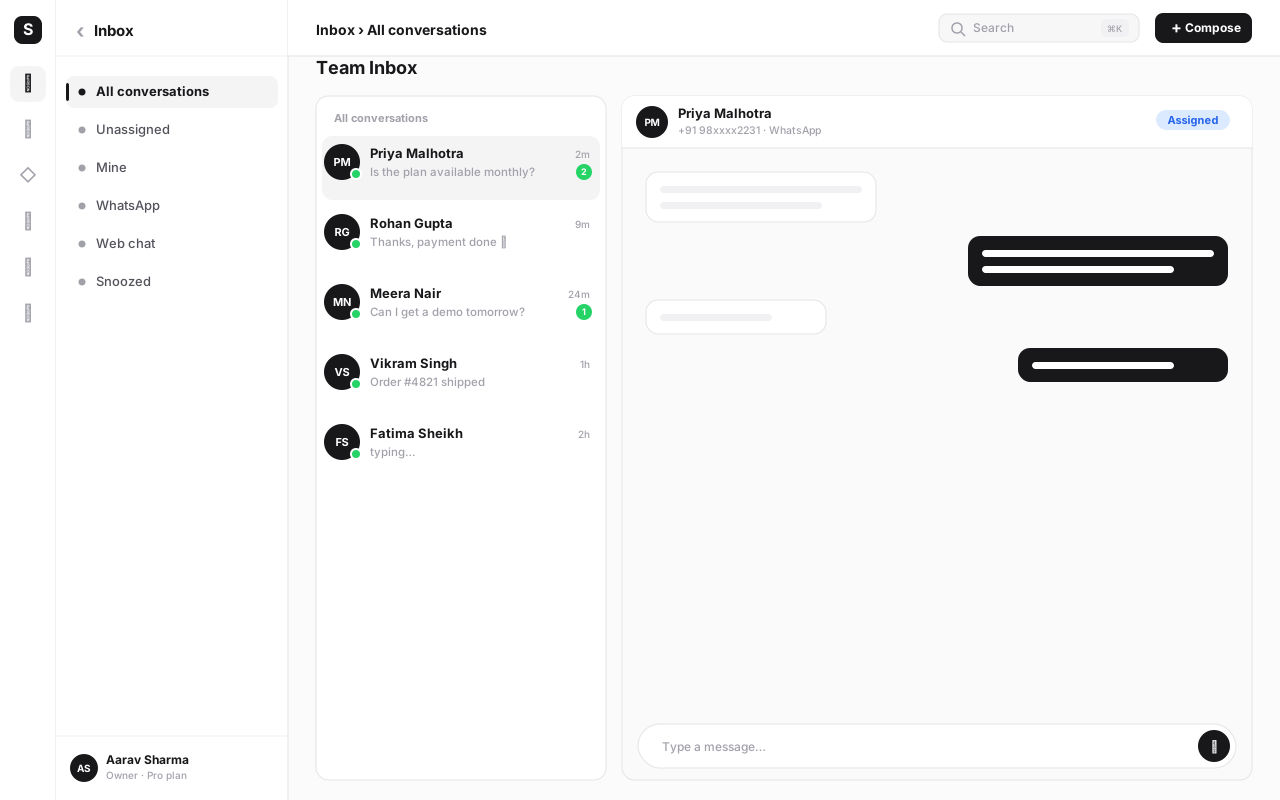
However it opens, the return trip is the same: when the customer taps submit, WaChat receives the completed Flow as a webhook payload of structured fields — not a chat bubble to parse. That payload can create or update a record in SabCRM, log a booking, score a lead, or branch the next step of an automation in SabFlow, all without anyone reading a transcript and retyping numbers into a spreadsheet.
The entire value of a Flow compresses into one sentence: information that used to arrive as prose now arrives as fields. A "preferred date" typed as "maybe next Tues or Wed afternoon" becomes an actual date value your calendar can use directly.
Flows vs a chatbot conversation#
It's worth being precise about this, because the two get conflated constantly. A chatbot conversation is turn-by-turn: the bot sends a message, waits, the customer replies in free text or taps a button, the bot interprets that reply and decides what to send next. It's flexible and conversational, but every free-text answer has to be understood before it's useful — "somewhere around 3pm next week" isn't a value a calendar can book against without more back-and-forth.
A Flow is a form. The customer sees several fields at once (or across a short sequence of screens), fills them with proper input controls, and submits everything together. There's no ambiguity to resolve afterward because dropdowns, date pickers and checkboxes only ever return valid values.
Neither replaces the other — they solve different problems. A chatbot is the right tool for open-ended, branching dialogue: answering varied questions, handling complaints, having a real back-and-forth. A Flow is the right tool the moment you need several specific, structured answers reliably, in one motion. The best-built experiences use a chatbot to carry the conversation and drop into a Flow exactly when it's time to collect a form's worth of information — then hand back to the conversation once it's submitted. If you're building the automation side of this, the WhatsApp chatbot automation guide covers designing that handoff.
How to build your first WhatsApp Flow#
-
Pick one job, not five. Choose a single, high-frequency task you currently push to an external link or a phone call — a booking form, a viewing request, a CSAT survey. Don't try to build one giant Flow that does everything.
-
Sketch the screens on paper first. Decide exactly which fields you need and in what order, before opening any builder. A Flow with fewer, well-chosen fields on one screen will always outperform a Flow that makes people click through five screens for something simple.
-
Choose the right input type for each field. Use a dropdown for a fixed set of choices, a date picker for dates, checkboxes for multi-select, and a plain text field only when the answer genuinely can't be constrained. The more you constrain input, the cleaner the data that comes back.
-
Decide static or dynamic. If every option is fixed and known in advance, build it static and ship today. If a screen depends on live availability, stock, or a previous answer, plan the small backend data endpoint a dynamic Flow needs before you start building screens.
-
Build the Flow in WaChat. In WaChat, open the Flow builder, add your screens in the order you sketched, and set the input type and validation for each field. Preview it exactly as a customer will see it on their phone.
-
Wire the trigger. Decide whether the Flow launches from a message template button, from a step inside a SabFlow chatbot automation, or from an agent sending it manually in the shared inbox — then attach it there.
-
Map the submission to your CRM. Connect the Flow's completed fields to a SabCRM action — create or update a contact, log a booking, or update a lead score — so the data lands somewhere useful the instant it's submitted, not somewhere you have to remember to check.
-
Submit for review and test on a real phone. Flows go through Meta's review before they can be sent to customers, same as templates. Once approved, walk through the entire Flow yourself on an actual phone — screens can render differently than they do in a desktop preview.
-
Watch completion rate and iterate. Track how many people who open the Flow actually submit it. A low completion rate almost always means too many fields, an unclear first screen, or a field type that's more annoying to fill than it needs to be.
If the customer is already a known contact — you have their name or a past order — pre-fill those fields in the Flow rather than asking again. Every field you don't have to ask is one less reason for someone to abandon the form.
Common mistakes to avoid#
- Cramming too many fields onto one screen. A Flow with a dozen fields feels exactly like the external form you were trying to avoid. Cut to the fields you'll actually act on.
- Using free text where a dropdown or date picker would do. Free text reintroduces the exact ambiguity Flows exist to remove — constrain the input wherever the answer set is knowable in advance.
- Building dynamic when static would do. A live-data endpoint is extra infrastructure to build and maintain; only reach for it when the Flow's usefulness genuinely depends on real-time data.
- Forgetting to test on an actual phone. Screen rendering and tap targets can behave differently on-device than in a desktop preview — always do a final pass on a real WhatsApp client before publishing.
- No plan for what happens after submission. A Flow that collects great data but doesn't feed a CRM record, a calendar, or an automation step just moves the manual work one step later instead of removing it.
- Launching without a clear trigger. A beautifully built Flow that's never attached to a template, a chatbot step, or an agent action simply never reaches a customer.
- Ignoring the completion rate. If people are opening the Flow and abandoning it, that's a design signal — shorten it, reorder it, or pre-fill more, rather than assuming the drop-off is normal.
Build your first WhatsApp Flow
WaChat gives you the Flow builder, the chatbot automation to trigger it, and the CRM to catch what comes back — all on one login. Start free and launch your first booking or lead form today.
Conclusion#
A WhatsApp Flow is a small change with an outsized effect: it takes a task that used to send a customer out of the chat — booking a viewing, reserving a table, filling in a survey — and does it natively, in place, with real input fields instead of free text. The result is higher completion, because the biggest thing killing form completion has always been the moment someone has to leave what they were doing to go do something else.
Start with one static Flow for your single highest-volume, most-external-link-dependent task. Get the fields right, wire the trigger, and connect the submission straight into your CRM so the data does something the second it arrives. Only reach for a dynamic Flow once real-time availability actually matters to the outcome.
If you're building this alongside a fuller automation, pair it with the WhatsApp chatbot automation guide for how a bot should hand off into a Flow, and the WhatsApp message templates guide for how to trigger one from outside the 24-hour window. Explore WaChat, compare pricing, or sign up free to build your first Flow today.
Frequently asked questions
What is a WhatsApp Flow?
A WhatsApp Flow is a native, structured form that opens and runs inside a WhatsApp conversation — multi-step screens with text inputs, dropdowns, checkboxes, radio buttons and date pickers — instead of linking the customer out to an external web page. A Flow is triggered from a template button, a chatbot step, or a call-to-action in a chat, and the answers come back to the business as clean, structured fields rather than free text.
How are WhatsApp Flows different from a chatbot conversation?
A chatbot conversation is turn-by-turn free text: the bot sends a message, the customer types a reply, and the bot has to interpret it. A Flow is a form — the customer taps through defined fields (dropdowns, date pickers, checkboxes) in one continuous screen or short sequence of screens, and every answer arrives already structured and validated. Flows and chatbots aren't competitors; a chatbot typically triggers a Flow when it needs several precise pieces of information at once, like a booking or a qualification form.
What is the difference between a static and a dynamic WhatsApp Flow?
A static Flow has a fixed set of screens and options decided at design time — the same questions, the same dropdown choices, every time it runs. A dynamic Flow calls your own server (a data endpoint) while it's open, so a screen's content can change in real time — for example, only showing appointment slots that are actually free right now, or showing different products depending on what the customer picked on the previous screen.
Do WhatsApp Flows cost extra to send?
Flows themselves don't carry a separate per-flow fee beyond the standard WhatsApp Business API conversation-based pricing that already applies to the message or template that opens them — but pricing structures and any Flow-specific limits do get revised by Meta from time to time, so confirm the current terms at business.whatsapp.com or with your WhatsApp Business Platform provider before you budget a high-volume rollout.
What kind of businesses actually use WhatsApp Flows?
Anyone that currently sends customers to an external form benefits: real estate agencies collecting viewing requests, clinics and salons booking appointments, restaurants taking table reservations, retailers running feedback and CSAT surveys, and sales teams qualifying inbound leads before routing them to a rep. The common thread is structured data collection that used to mean a context-switch out of WhatsApp.
Do completed Flow answers go straight into a CRM?
Yes, that's the point of using them through a platform like SabNode. When a customer submits a Flow, WaChat receives the structured fields as a webhook payload and can push them straight into SabCRM — creating or updating a contact, logging the booking, or scoring the lead — and can also branch the next automation step in SabFlow. No one has to read a chat transcript and re-type the answers.
Do I need a developer to build a WhatsApp Flow?
A simple static Flow — a lead form or a short survey — can be assembled visually through most WhatsApp Business Platform tooling without writing Flow JSON by hand. A dynamic Flow that calls your own server for live data (like real-time appointment availability) needs a small amount of backend work to build the data endpoint. Either way, publishing a Flow requires Meta's template/Flow review before it goes live for customers.