How to Migrate Your WhatsApp Business Number to a New Provider
Your WhatsApp number belongs to your WhatsApp Business Account, not to your provider. Here's how to move it to a new one without losing verification, contacts or history.
Your WhatsApp Business number belongs to your WhatsApp Business Account (WABA) inside Meta Business Manager — not to whichever provider currently holds API access to it. Switching providers means moving that access from one Business Solution Provider (BSP) to another, and in most cases you keep the number, its verification, and its message history intact if you follow the right order of operations. This guide walks through exactly what carries over automatically, what needs rework, and the step-by-step process to migrate without a costly interruption.
Your number belongs to Meta, not your vendor#
The single most reassuring fact in this entire process is also the most misunderstood: a WhatsApp Business Platform phone number is registered against a WhatsApp Business Account inside Meta Business Manager. The BSP you're currently using — whether that's a large enterprise platform or a smaller reseller — is granted API access to that WABA. It doesn't own the number, and it can't take it with it if you leave.
This matters because a lot of the anxiety around switching providers is really anxiety about switching phone numbers — losing the number customers already have saved, losing years of accumulated trust, having to announce a new number in every storefront, invoice and business card. None of that is actually at stake in a same-number migration. What you're changing is the pipe the messages flow through, not the address they flow to.
That distinction is also why Meta's own tooling supports this move at all. If the number were permanently bound to one vendor, there would be no migration path — you'd have to deregister, wait, and re-register as if you were onboarding for the first time, likely losing your verification tier and definitely losing history. Instead, Meta's model treats the BSP relationship as replaceable infrastructure sitting on top of a WABA that you — the business — actually control, provided you have admin access to it.
Everything durable — the number, its verification status, its Business Manager identity — is a property of your WhatsApp Business Account. Everything provider-specific — the dashboard, the template library shown in that dashboard, chatbot logic, stored conversation history — lives on top of the WABA and generally does not move automatically. Keep that mental model in mind for every step below.
Confirm the exact current steps before you start#
Meta's Business Manager tooling for number and API-access transfers has changed shape more than once, and BSPs each layer their own onboarding flow on top of Meta's underlying process. Everything in this guide describes the general shape of a migration — the order of operations and the trade-offs — accurately and reliably. Before you touch a live production number, confirm the exact current click-path in Meta Business Manager and in your new provider's onboarding docs, since the specific screens and button labels are the part most likely to have shifted since this was written.
What carries over automatically vs. what needs rework#
This is the question every team asks first, and it deserves a direct answer before anything else: some things move with the WABA for free, and some things are effectively rebuilt on the new platform. Getting this table wrong — assuming something carries over when it doesn't — is where most migration pain actually comes from, not from the transfer step itself.
| Carries over automatically | Needs rework on the new platform |
|---|---|
| The phone number itself | Your provider-side dashboard configuration |
| Official WhatsApp Business verification / green-tick status | Message templates (usually need re-submission for approval) |
| The WABA and its Meta Business Manager identity | Chatbot / flow-builder logic (rebuilt, not portable) |
| The number's registration and phone-number ID at the Meta level | Webhook endpoint configuration and re-verification |
| Contacts as WhatsApp users (they can still message the same number) | Conversation history stored only in the old BSP's system |
| Your Meta App / Business Manager account structure | Team/agent access, roles, and shared-inbox assignment rules |
| Broad messaging eligibility rules Meta enforces platform-wide | Any custom integrations built against the old provider's specific API surface |
Notice the pattern: the left column is everything Meta itself tracks at the WABA/number level. The right column is everything your current provider built on top of that WABA in its own systems — its own template records, its own bot engine, its own message archive. Nothing on the right column is stored by Meta on your behalf in a form the new provider can just read. That's the part worth internalizing before you plan a timeline.
Unlike templates (re-submittable) or bots (rebuildable), old conversation history that only exists in your outgoing provider's dashboard can become unrecoverable once your relationship with that provider ends — especially if your contract doesn't guarantee post-termination data access, or if the vendor deletes data after an account closes. If you need that history for support continuity, dispute resolution or compliance, export it before you initiate transfer, not after.
How to migrate your WhatsApp Business number to a new provider#
Here is the full sequence, expanded from the general seven-step shape into concrete, checkable actions. Do these roughly in order — several steps have hard dependencies on the ones before them.
- Confirm admin access to the Meta Business Manager and WABA that owns the number. Before anything else, verify you (or someone on your team, provably) has admin-level access to the Business Manager and the specific WhatsApp Business Account tied to the number you're moving. Migrations stall hardest when the person who set up the original WABA years ago has left the company and nobody currently has recovery access — sort this out first, because every later step depends on it.
- Audit what you'll lose if you don't act — templates, bots, history, integrations. Make an inventory: which approved templates are you actively using, what does your chatbot/flow logic actually do step by step, how far back does conversation history matter to your support team, and what internal systems (CRM, helpdesk, order system) currently integrate against your old provider's API. This audit becomes your rebuild checklist on the new side.
- Prepare the new provider — create the workspace and agree on go-live timing. Sign up with the new platform, get your account fully set up (billing, team seats, initial configuration), and align with them on exactly when the transfer will happen. A reputable provider will walk you through their specific number-transfer flow and flag anything unusual about your account (e.g., multiple numbers under one WABA, or an existing pending review).
- Export everything the old system won't hand over after cutover. Pull conversation history, contact lists, template text/media, and any custom bot logic documentation out of the old provider's dashboard or API while you still have full access. Treat this as the point of no return for that data — don't assume you can come back for it later.
- Re-create and re-submit templates on the new platform. Since most template libraries live in the provider's dashboard rather than transferring wholesale, resubmit your active templates for Meta approval on the new side ahead of cutover where the new platform allows pre-submission. Build in a buffer for Meta's review queue — approvals aren't instant.
- Rebuild chatbot and automation flow logic on the new platform. Bot and flow-builder logic is almost never portable between vendors — different platforms model conversations, variables and branching differently. Treat this as a genuine rebuild task, not a migration task, and test it thoroughly against real conversation scenarios before go-live.
- Initiate the number's migration/transfer to the new BSP inside Meta Business Manager. This is the actual ownership-of-API-access step, done from within Business Manager with both the old and new provider typically involved in confirming the handoff. Expect a brief interruption to sending and receiving on that number while this completes — which is exactly why step 9 matters so much.
- Re-verify webhook and API configuration on the new side. Once access has moved, confirm the new provider's webhook endpoint is correctly registered and verified, and that whatever downstream systems consume WhatsApp events (CRM logging, notifications, automations) are pointed at the new integration, not the old one.
- Schedule the cutover for a genuinely low-traffic window. Because the transfer step interrupts messaging briefly, pick the quietest hour your business has — late night, early morning, or a weekend for most consumer-facing accounts — rather than mid-campaign or during a support surge.
- Test end-to-end before fully committing. Send a real template message, receive a real inbound message, confirm webhook events are landing where you expect, and have an agent handle one full conversation start to finish inside the new dashboard — before you tell customers, run a campaign, or decommission the old system.
- Keep a brief overlap or parallel-readiness period rather than an instant flip. Where the new platform allows it, fully validate configuration (ideally against a secondary or test number) before touching the live one, and keep the old provider account accessible in a read-only capacity for a short window after cutover in case you need one more piece of exported data.
- Decommission the old provider only after confirming everything works. Cancel or downgrade the old subscription once you've verified sending, receiving, webhooks, templates and agent workflows are all functioning correctly on the new platform — not before, since you'll want a fallback if something on the new side needs a fix.
Why the order matters#
Notice that the actual Meta-level transfer (step 7) sits in the middle of this sequence, not at the start. That's deliberate. Everything before it — access confirmation, the audit, exports, template resubmission, bot rebuilding — should be as complete as possible before you touch the live number, because step 7 is the one moment where messaging is briefly interrupted. The less you're improvising during that window, the shorter and less risky it is.
Teams that have run painless migrations tend to describe the transfer itself as almost anticlimactic — because they'd already done the hard work (templates approved, bots rebuilt, history exported, team trained on the new dashboard) beforehand. Teams that describe migrations as painful almost always did the hard work after the transfer, live, with customers already messaging in.
Common mistakes when migrating a WhatsApp Business number#
Most migration horror stories trace back to one of a small set of avoidable mistakes. Check your plan against this list before you schedule anything.
- No confirmed admin access before starting. Discovering mid-migration that nobody currently has admin rights to the WABA — because the original setup person left the company — can stall the entire process for days while access recovery happens through Meta's support channels.
- Migrating during peak hours. Initiating the transfer during a live campaign, a sale event, or your normal busiest support hours turns a brief, planned interruption into a visible, costly one.
- Forgetting to export conversation history before cutover. Assuming the new provider will "just have" your old chat history is the single most common and most painful mistake — that history typically lives only in the old provider's own system and doesn't travel with the WABA.
- Not re-testing webhooks after the transfer. A webhook that worked perfectly on the old provider tells you nothing about whether the new provider's endpoint is correctly verified and subscribed — test message delivery, status updates and inbound events explicitly on the new side.
- Assuming templates transfer automatically. Templates often need to be re-created and re-submitted for approval on the new platform; discovering this the day of cutover means campaigns sit blocked while Meta reviews resubmissions.
- Skipping a rebuild plan for chatbot/flow logic. Bot and automation logic is rarely portable between platforms — teams that don't budget real rebuild time end up live on the new number with no automation running at all.
- No rollback or fallback plan. Cancelling the old provider's account the moment the transfer completes removes your safety net if something on the new side needs fixing — keep it accessible (even read-only) for a short buffer period.
- Not training agents on the new dashboard before go-live. A team that only sees the new shared inbox for the first time on cutover day will be slower and more error-prone exactly when customers are already messaging in.
When migrating is actually worth it#
Not every WhatsApp API relationship needs to end, and a migration is real work — so it's worth being honest about when the effort pays off versus when it's better to renegotiate or wait.
Cost is the most common trigger. If you're paying meaningfully more per conversation, per seat, or in platform fees than the market rate for equivalent functionality — and your usage has grown enough that the difference is now a real line item — that gap alone can justify the rework involved in switching. Compare like-for-like: conversation pricing, seat limits, and what's actually bundled versus billed separately.
Feature gaps are the second. If your current provider doesn't have a genuine shared team inbox, a usable chatbot/flow builder, native CRM integration, or reliable webhook delivery, and you've been bolting on workarounds for months, that's a sign the platform has stopped fitting how your team actually works — not a temporary rough patch.
Support quality is the third, and it's underrated. A provider that's slow to resolve template rejections, webhook outages, or billing disputes costs you in ways that don't show up on an invoice — lost campaigns, frustrated agents, customers messaging into a black hole during an outage. If support has been consistently poor through more than one real incident, that pattern is unlikely to reverse on its own.
If none of those three apply — pricing is fair, the feature set covers what you need, and support has been responsive — a migration is probably solving a problem you don't have yet. Revisit the decision when one of them changes, rather than switching on inertia or a single bad week.
Bring your existing WhatsApp number into SabNode
WaChat runs on the same WhatsApp Business Platform, unified with CRM, calling, SMS and email on one login and one bill — sign up free, no card required, and we'll help you plan a clean cutover.
What a unified platform changes about the "worth it" calculation#
One reason migrations get postponed indefinitely is that switching just the WhatsApp API provider still leaves every other tool — CRM, calling, SMS, email, payments — disconnected from it, so the payoff feels smaller than the rework required. That calculation changes when the destination isn't another standalone WhatsApp tool but a platform where WhatsApp is one connected piece among several.
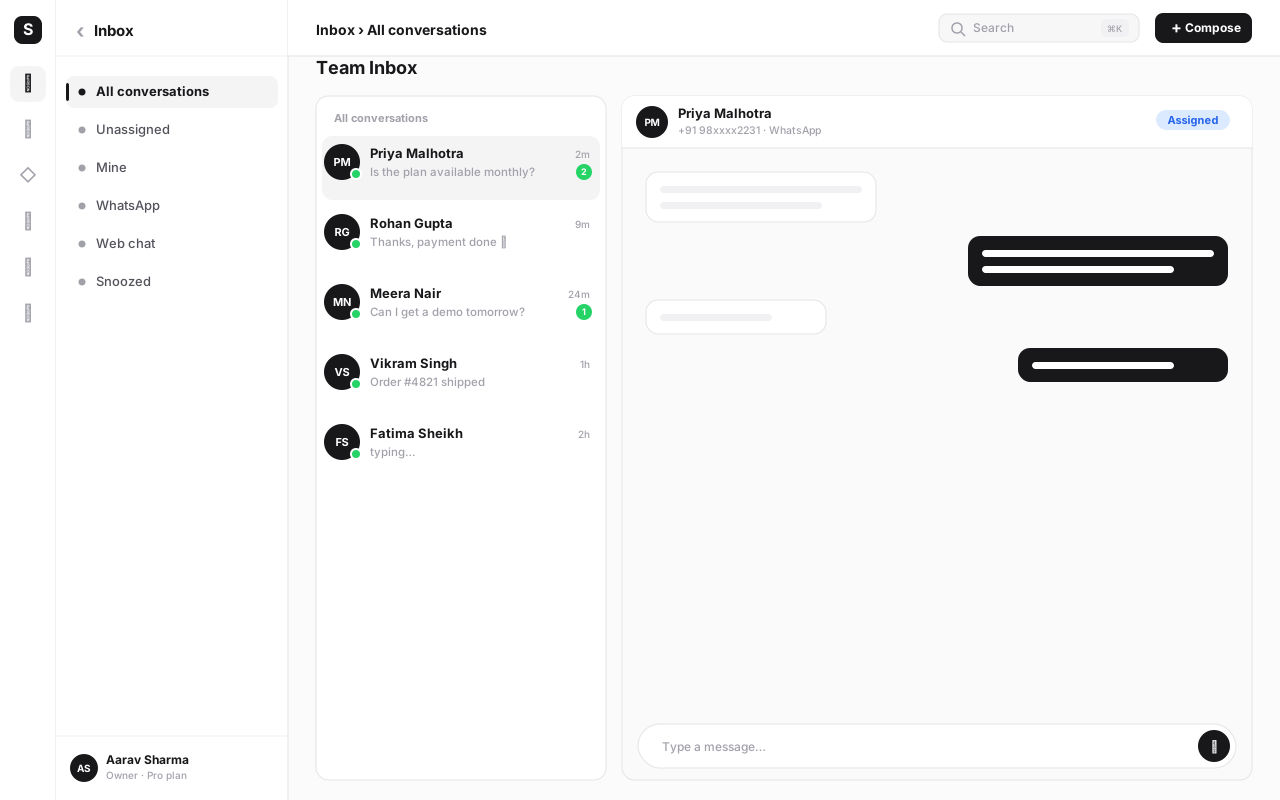
Inside SabNode, WaChat is the WhatsApp Business Platform implementation — templates, broadcast, chatbot/flow builder, catalog, a real shared team inbox, and webhooks — but it sits on the same customer record as SabCRM, calling, SMS and email. A contact who messages on WhatsApp, gets called, and later gets an SMS follow-up is one timeline, not three disconnected tools an agent has to tab between. That's a materially different outcome than migrating from one standalone WhatsApp API vendor to another standalone WhatsApp API vendor — the number moves either way, but only one of those destinations also closes the "our tools don't talk to each other" gap you may have been living with for years.
Pricing follows the same logic: SabNode's Growth plan at ₹2,499/month (or ₹24,990/year) includes every module on one bill — WaChat alongside CRM, calling, SMS, email and automation — rather than a WhatsApp-only line item plus separate subscriptions for everything else it doesn't talk to. For teams evaluating whether a migration is worth the rework described above, that consolidation is often a bigger factor than the WhatsApp-specific pricing line by itself.
Conclusion#
The fact that so much anxiety surrounds WhatsApp number migrations is a little out of proportion to the actual risk, once you understand what's really tied to what. Your number, its verification, and its WABA identity live with Meta, not with your current provider — that's the part that doesn't change no matter who you switch to. What genuinely requires work is everything your current provider built on top of that foundation: templates, chatbot logic, and conversation history, none of which move automatically and all of which need a deliberate plan.
Run the migration in the order laid out here — access first, audit and exports second, template and bot rebuilding third, the actual transfer fourth in a low-traffic window, testing fifth, decommissioning last — and the brief interruption during the transfer step becomes a non-event rather than an incident. Skip the preparation and try to do it all live, and the exact same transfer step becomes the visible part of a much rougher week.
If cost, feature gaps or support quality have made you consider this move, it's worth reading the WhatsApp Business API complete guide for the fuller picture of what a modern implementation should include, and comparing what you have today against SabNode's pricing or a direct look at WaChat before you commit to a plan. The number is yours either way — the only real question is which platform deserves to sit behind it.
Frequently asked questions
Will I lose my WhatsApp number if I switch providers?
No. Your WhatsApp Business Platform number is registered to your WhatsApp Business Account (WABA) inside Meta Business Manager, not to whichever provider currently has API access to it. Migrating means changing which provider's system is authorized to send and receive on that number's behalf — Meta owns the number-to-WABA relationship, and that relationship is what carries over. You don't re-verify the number from scratch, and you don't get a new number just because you changed vendors.
Will my green tick / official business verification survive a migration?
Yes, in the overwhelming majority of cases. Official Business Account status and the checkmark badge are properties Meta tracks against your Business Manager and WABA, not against a specific BSP integration. Since the migration doesn't touch the WABA itself — only which system holds API access to it — the verification badge typically remains untouched. Still, confirm your Meta Business Manager verification status is in good standing before you start, since an already-lapsed or under-review verification can complicate any change to the account.
Do I need to re-create my message templates when I migrate?
Usually yes, at least partially. Message templates are typically managed and displayed through each BSP's own dashboard, even though Meta ultimately approves them at the WABA level. In practice, most teams re-submit their approved template library on the new platform rather than assuming a silent one-to-one carryover, because dashboard-level template records don't always transfer cleanly between vendors. Budget a day or two for Meta's template review queue when you plan the cutover.
What happens to my old chat history when I move to a new WhatsApp API provider?
Conversation history is usually stored in your old provider's own database, not inside the WABA or attached to the phone number itself, so it does not automatically appear in your new provider's dashboard. If you need that history — for support continuity, compliance, or simply not losing context on long-running customer relationships — export it (via the old provider's export tool or API) before you cut over. Once access moves to the new BSP, pulling historical conversations out of the old system gets harder, and in some cases contractually or technically impossible after account closure.
How long does a WhatsApp Business API migration actually take?
The core transfer step — the part where the number's API access actually moves — is usually measured in minutes to a few hours, during which sending and receiving on that number is briefly interrupted. The realistic end-to-end timeline is longer: expect a few days to a couple of weeks once you count new-platform setup, template re-submission and Meta's review queue, chatbot/flow rebuilding, and a testing window before you fully commit. Rushing the surrounding steps to save time is the most common way migrations go wrong — the transfer itself is rarely the bottleneck.
Can I run my old and new WhatsApp provider at the same time during the switch?
Not simultaneously on the exact same number sending live traffic — a WhatsApp Business Platform number's API access lives with one BSP at a time. What teams usually mean by 'parallel run' is closer to a staged rollout: fully configuring and testing the new platform (templates, webhooks, chatbot flows, agent training) before initiating transfer, so the live cutover window is short and rehearsed rather than improvised. Some businesses also run a secondary or test number on the new platform in parallel to validate configuration before touching the production number.
What's the safest time to schedule the actual cutover?
A low-traffic window — late evening or a weekend for most B2C businesses, or whatever hour your own message volume is thinnest — because the transfer step itself briefly interrupts sending and receiving on that number. Avoid campaign days, sale windows, or any period where support volume is already elevated. Treat it the same way you'd treat a database cutover: pick the quiet hour, have both teams (old and new provider support, plus your own) available, and don't schedule it right before a weekend if something needs a quick fix.